Quote Faster, Work Smarter: Autoquote Just Got a Major Upgrade!
This release is all about unlocked efficiency and complete peace of mind.
Introducing: Bulk Edit: The Time-Saving Tool You’ve Been Waiting For! ⚡
For too long, updating large quotes has meant clicking, clicking, and clicking again. That ends now! We’ve heard your feedback, and we’re officially rolling out Bulk Edit at the quote level, an intuitive new feature designed to slash the time you spend on quote management. With this new feature you can make bulk update margin, multiplier ect for a specific manufacturer, sku or product line for the entire quote.
How Does it Work?
When working on the Product List on the Quote Edit page, you’ll find the new action bar at the bottom of the screen.
In this action bar you will find existing features you are used to using like
- Sort by Manufacturer
- Sort by Section
- Update Pricing
- View what AI identified (for those using AI)
- Move
- Delete
And you will find the new features which will allow you at the entire quote level to bulk update/or add
- Multiplier
- Margin
- Cost
- Quantity
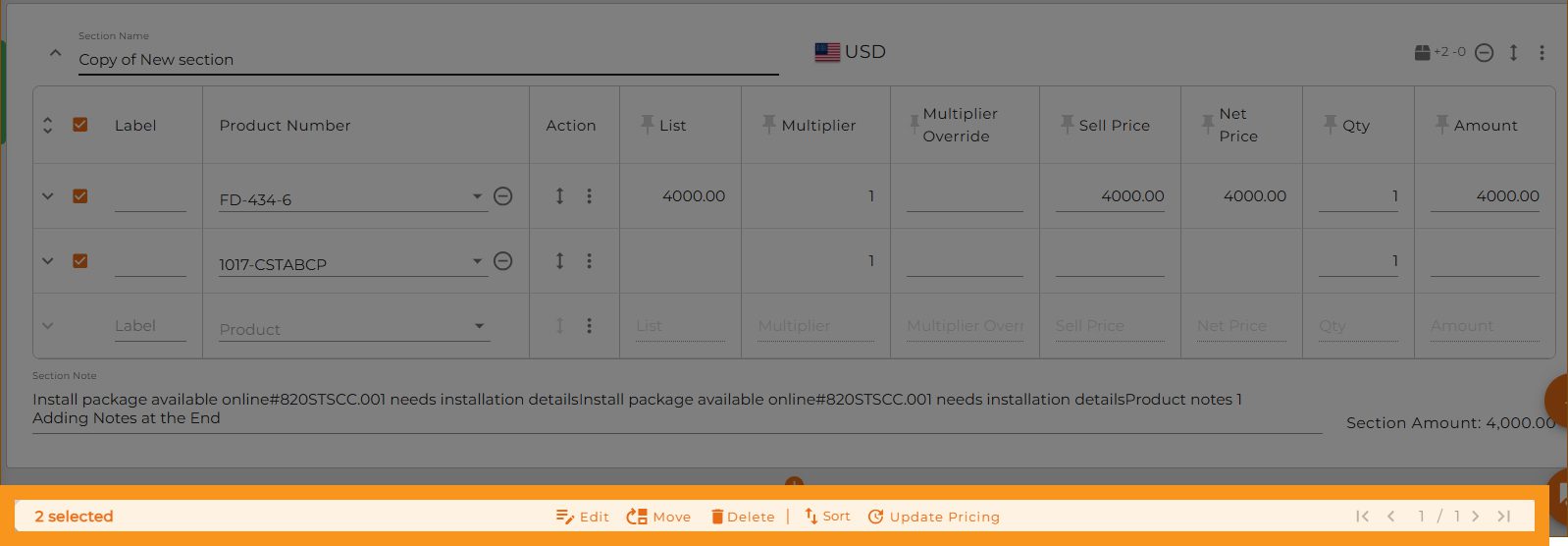
Simply select the products you need to adjust (or don’t check off any products), click on the Edit button,the Bulk Edit popup and allows you to:
If you selected specific products it will be listed in the third option with the actual model number selected.
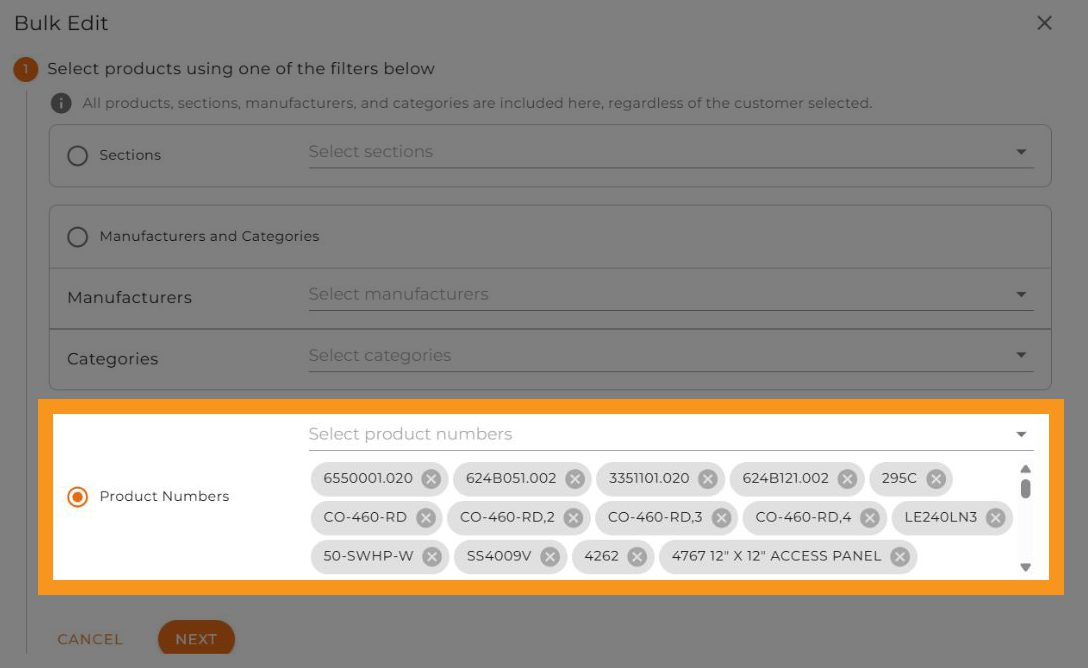
If you do not choose specific products you can choose to bulk update specific sections as you see below:
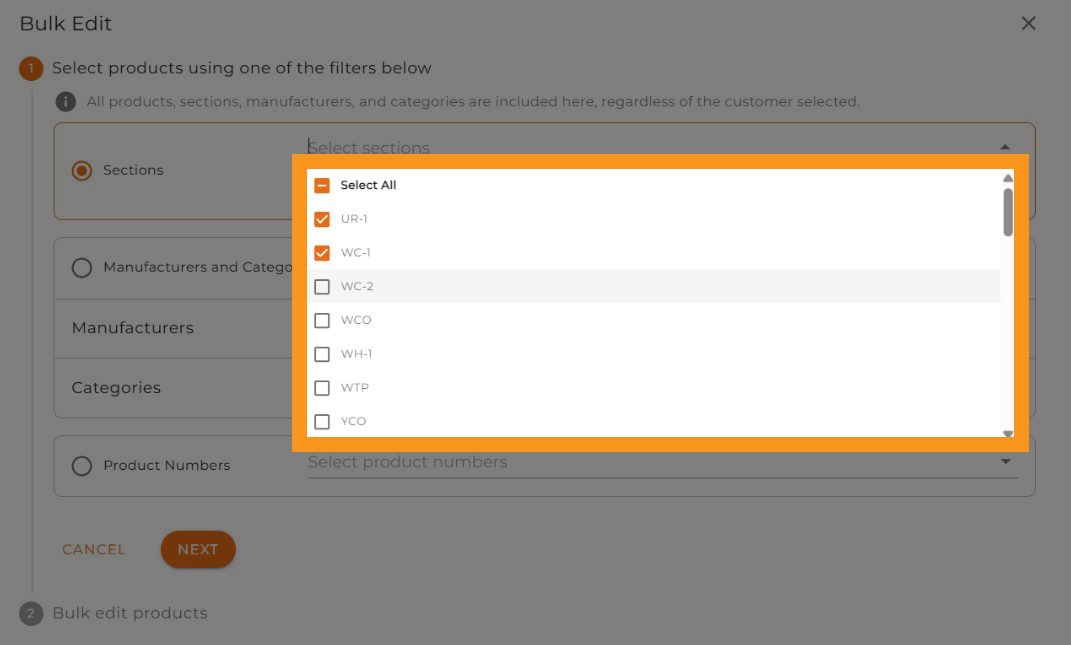
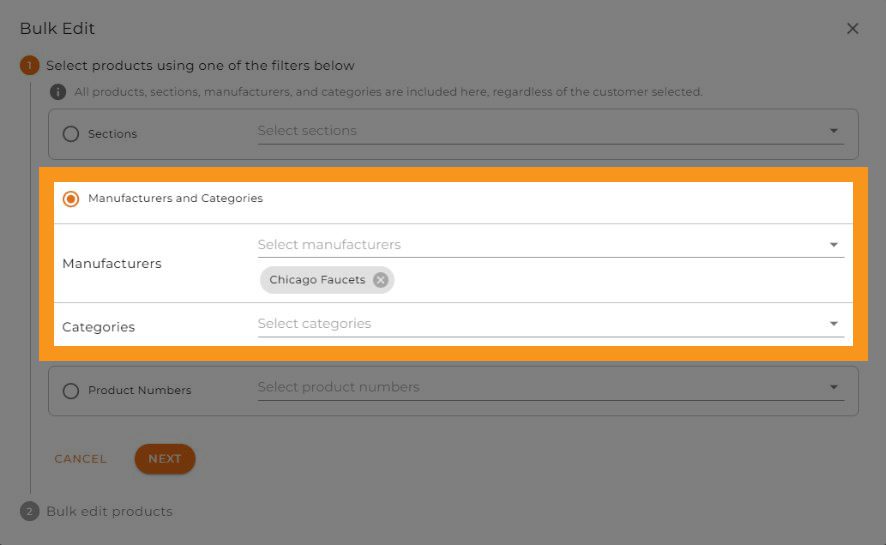
Or specific manufacturer or manufacturer and category, this will apply updates to any product from that manufacturer that was quoted.
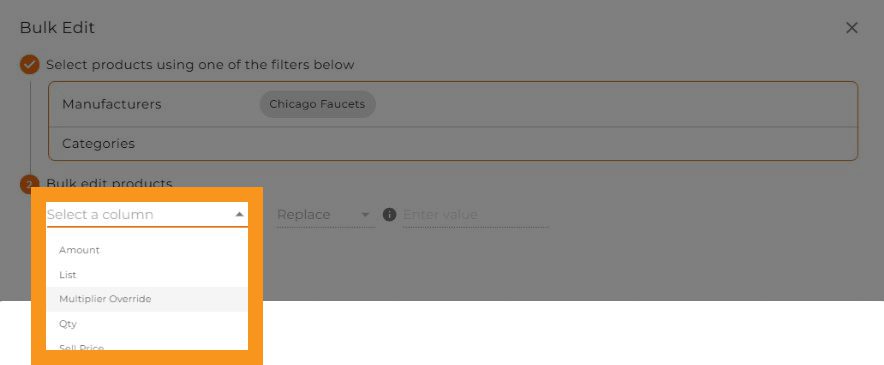
Now you can determine what changes you would like to make you can replace or add
- Margin
- Cost
- Multiplier
- Quantity
The Benefit to You 🚀
If you handle large, complex quotes, Bulk Edit will save you hours of work every week. This isn’t just a minor tweak; it’s a major change to how you build and manage pricing, allowing you to get quotes out the door faster and focus on closing deals.

New level of security for your data: AutoQuote is Now SOC 2 Compliant! 🛡️
We know that your customer’s data—and yours—is your most valuable asset. Today, we are proud to announce that AutoQuote is officially SOC 2 compliant!
What is SOC 2, and Why Does it Matter?
SOC 2 (Service Organization Control 2) is an auditing procedure that ensures service providers manage customer data based on five “Trust Service Principles”: security, availability, processing integrity, confidentiality, and privacy.
This means you have the highest level of assurance that your data is safe with us. Achieving SOC 2 compliance is a significant investment that proves our long-term, non-negotiable commitment to maintaining robust internal controls that protect your information and the integrity of your quoting process. It gives you, and your clients, total peace of mind when using AutoQuote.
For more details, click here.
Integration with Rep Fabric Now Available

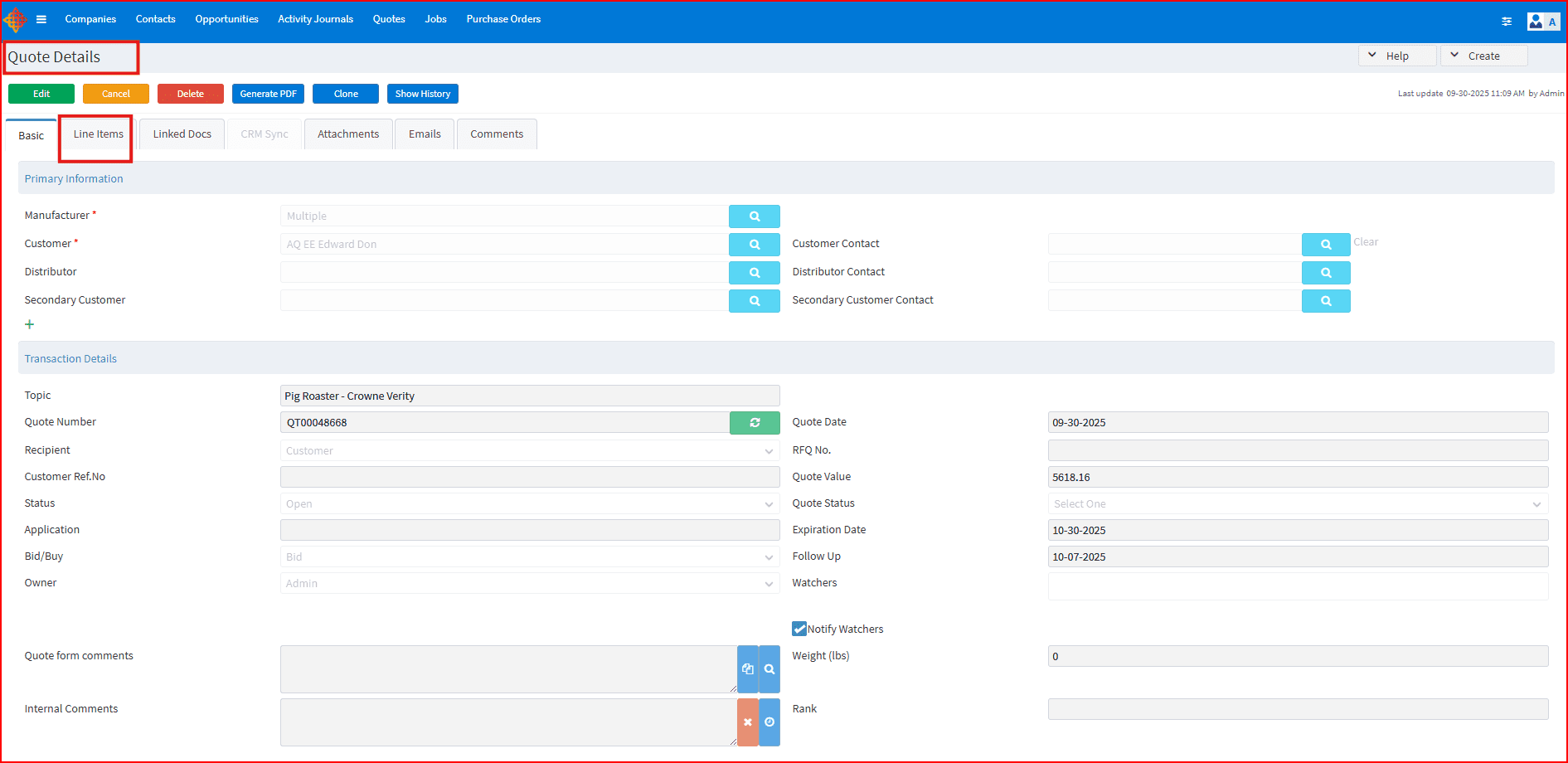
ATS team always focuses on improving data accuracy, and enhancing efficiency for our customers. Integration with different systems is just one of them including ERPs and now a new CRM. The long awaited integration with Repfabric is here for our manufacturers and manufacturer reps users for quote and customer sync.
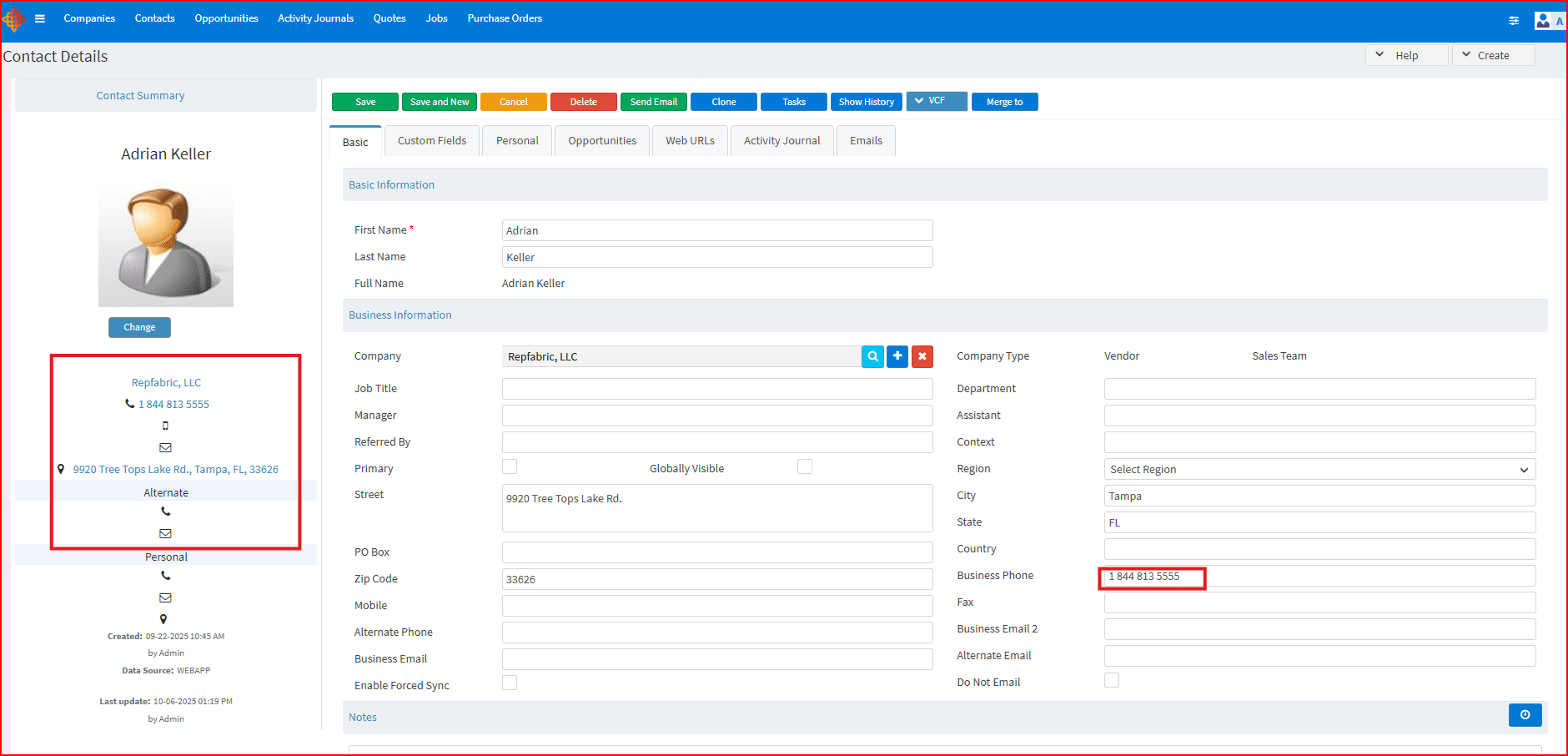
Repfabric will be the system of record for customers and push contacts and updates to AutoQuote, the quotes in AutoQuote will be pulled into Repfabric, both at predefined frequency.This integration streamlines operations and ensures data consistency by establishing Rep Fabric as the central hub for customer information and seamlessly importing AutoQuote’s generated quotes. This means accurate, up-to-date customer data is always available, and the sales process is more efficient, ultimately enabling sales teams to sell more.
If you are interested in more details, feel free to contact your customer success representative at ATS.